Conceal Events
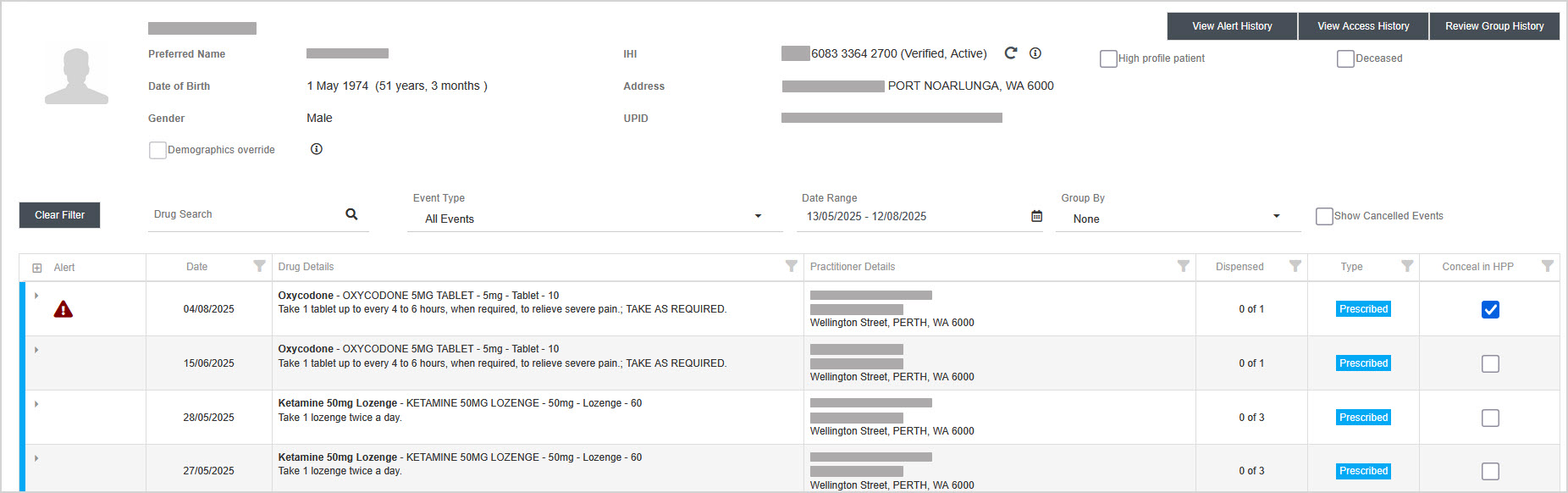
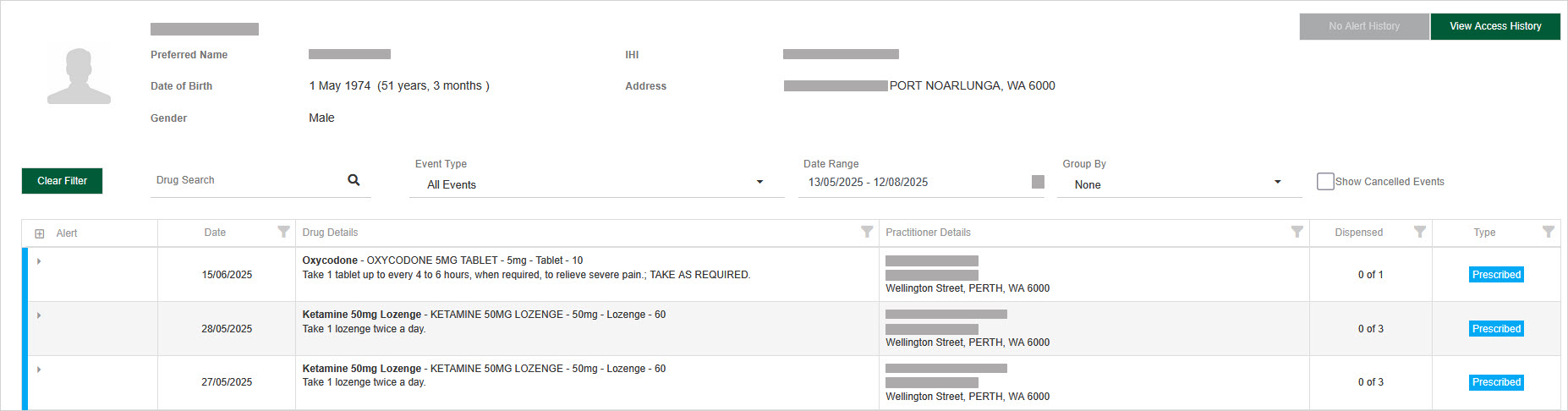
The conceal event feature allows regulatory users to hide a medication event from being displayed in the practitioner's portal. Any associated alerts are also concealed. However, the medication event and its alerts remain visible within the Management Portal for continued monitoring and oversight.
Example patient in Management Portal:
Same patient, viewed in the Health Practitioner Portal:
Conceal or unconceal a medication event
-
Search for a patient and view their medication events.
The medication events displayed include a column titled Conceal in HPP with a checkbox. Regulatory users with the required roles are able to make changes to the checkbox.
-
Identify the medication event you want to conceal or unconceal.
-
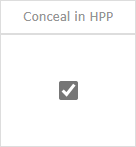
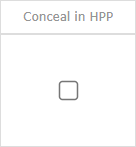
Select the checkbox to conceal the medication event or clear the checkbox to unconceal it.
-
Concealed
-
Unconcealed
-
-
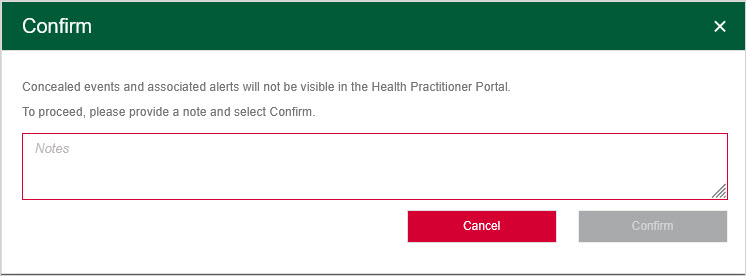
At the confirmation prompt, enter a mandatory note related to the conceal/unconceal action, then click Confirm.
Medication events are displayed with updated Conceal in HPP values. One of the following notifications referencing the action taken is displayed:
Notes entered by a regulatory user when concealing or unconcealing a medication event are stored but not displayed within the Management Portal.
Regulatory user role permissions restrict who can make changes to the Conceal in HPP value. Therefore, if you are unable to select or clear the Conceal in HPP checkbox, then you do not have the role permission to do so.
Medication events with Alerts
Any alerts that are associated with a concealed medication event are also concealed from the Health Practitioner Portal. Alerts associated with concealed medication events are identifiable within Alert History where the Concealed in HPP column is displayed. When checked, the Alert History record is not displayed to practitioners within the practitioner portal.
Example patient's Alert History in Management Portal:

Same patient, viewed in the Health Practitioner Portal:
